How it works
One test, from the file on your desk to graded sheets, in five steps. Nothing to set up first.
- 1
Give Compose your test
Upload the PDF or Word file, photograph the pages, or paste the questions. That is the whole setup.
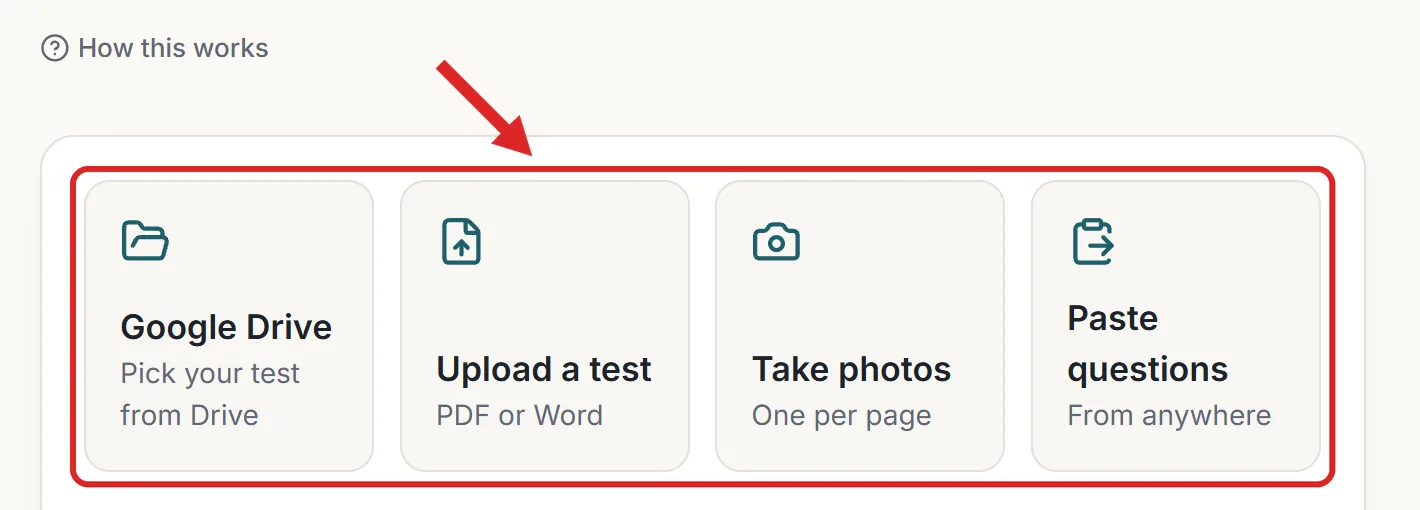
The four ways to give Compose a test: a file from Google Drive, an upload, photos of the pages, or pasted questions. - 2
Compose reads it
Questions, choices and the answers marked in your document — a few pages in about a minute, a long bank in a few. Anything it couldn't vouch for is shown to you as a plain question: keep this, or leave it out?
- 3
Fill in what the document didn't say
If an answer wasn't marked, Compose asks for it — one tap per question. The student versions print while you do.
- 4
Print the packet
One Word file: four versions of the test, one answer sheet per version, then the keys behind a page that says not to copy it. Hand versions out so no two neighbours share one.
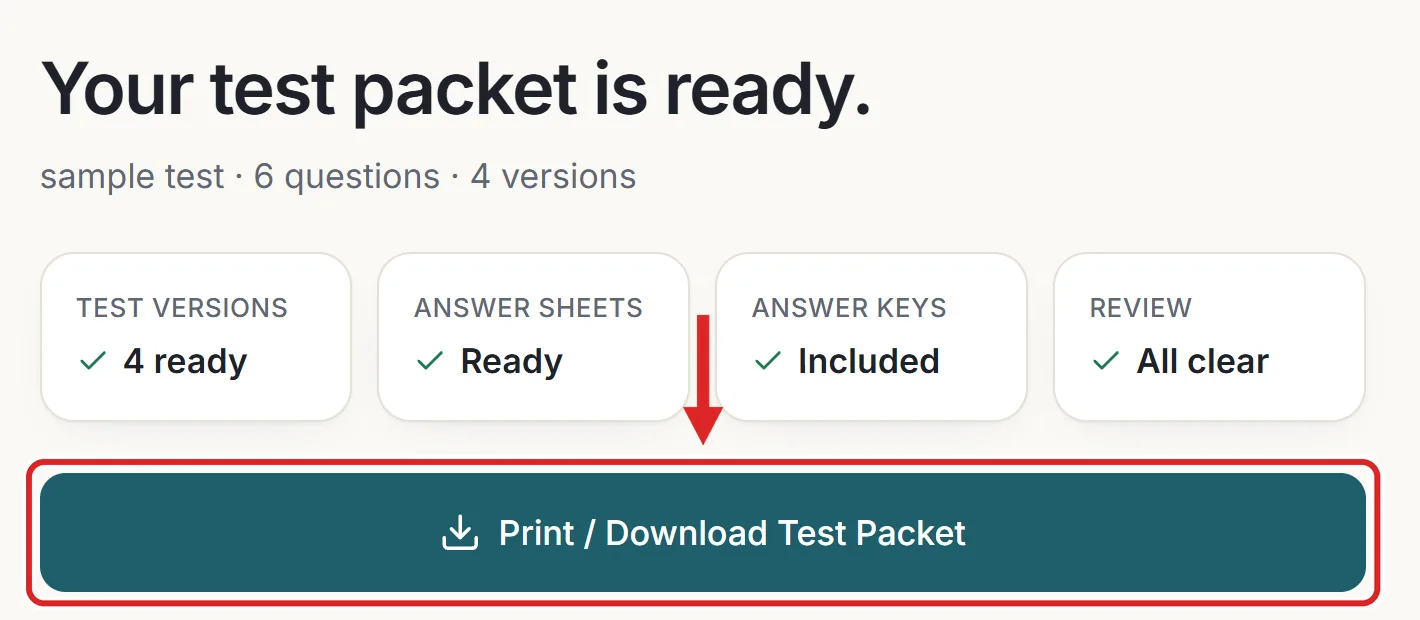
A finished test. One button downloads the packet: every version, an answer sheet for each, then the keys. - 5
Grade the stack
Scan the filled-in answer sheets on your copier as one PDF, or photograph them with your phone. Compose reads each sheet against the key for its version, and the sheets it was not sure of come first for you to check. Scores are saved by class number, never by name.
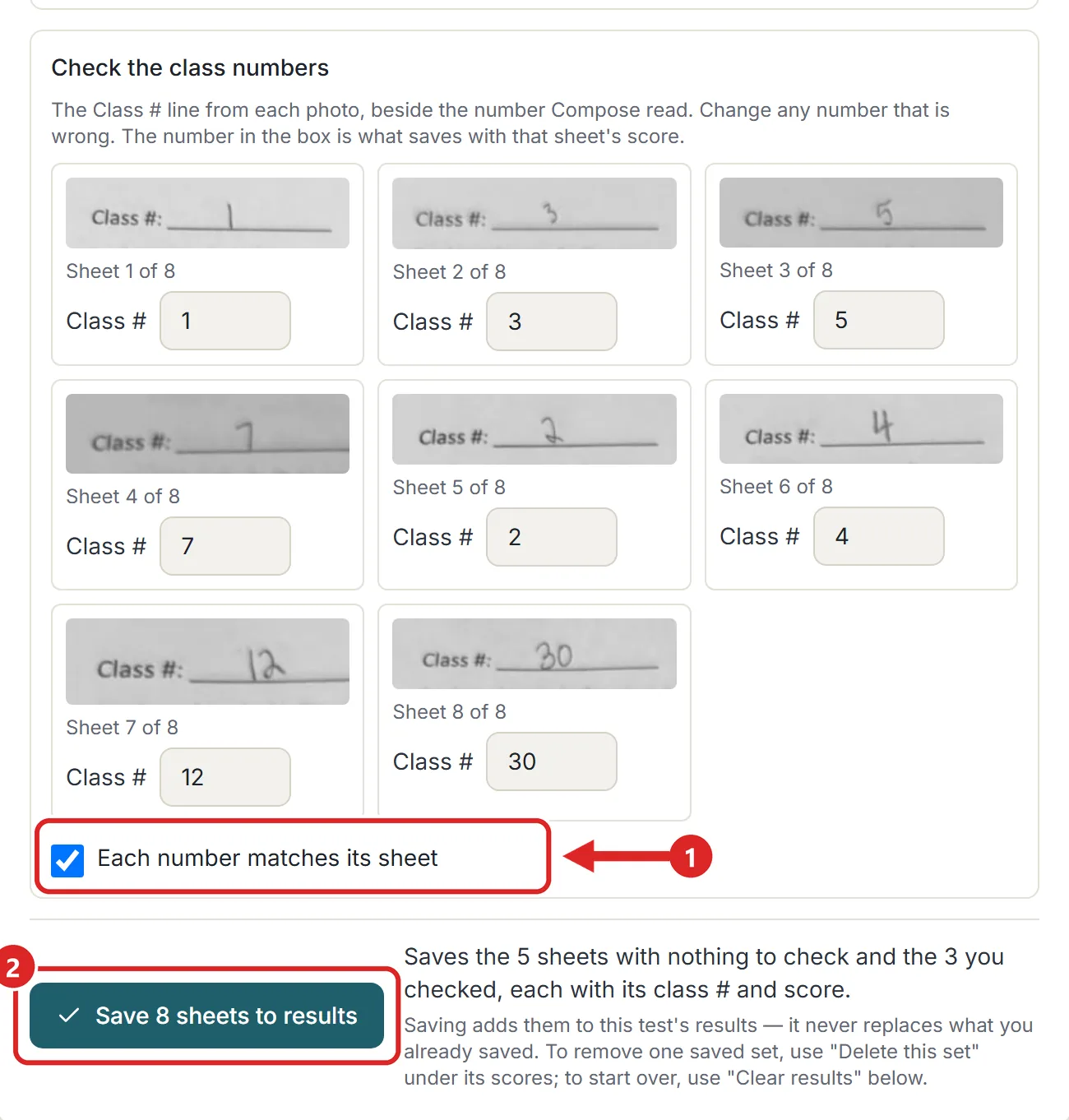
After a scan: the sheet Compose was not sure of comes first with the mark to check, and the sheets with nothing to check save together.
Want the clicks, step by step? The guides walk through each part, from making versions to grading from a scan.
Sub Plans
Tell Compose what needs covering. Get a finished plan for the substitute — timings, handouts, what to collect — as a Word file.
Grading, on its own
Any test Compose printed can be graded from a copier scan of its answer sheets, or from photos of them. You check only the sheets Compose was not sure of; the results stay with the test.