Make a large-print or fewer-choice copy
Save an accommodation once (large print, extra spacing, fewer answer choices, a note on the cover) and apply it to any test when you download.
- 1
Open accommodation profiles
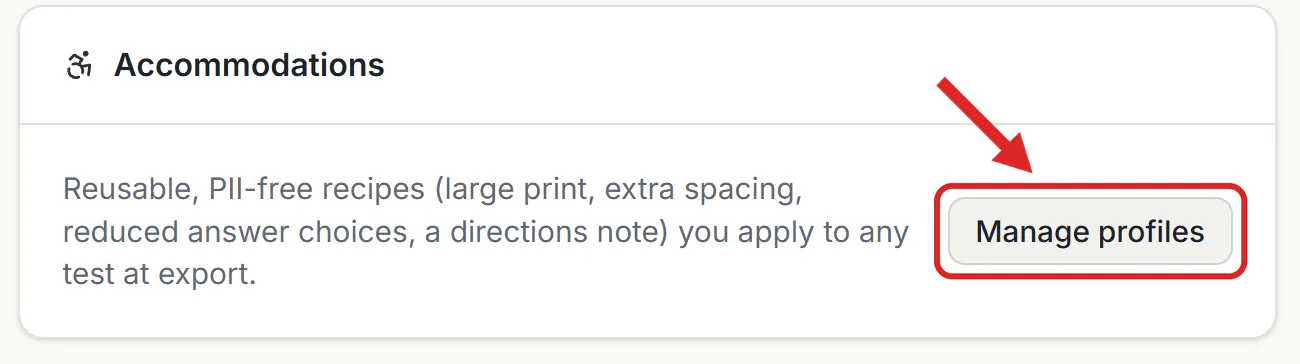
These live in the Full workspace. In Compose, open More, then “Settings”, and under Accommodations click “Manage profiles”. A test’s download page also has “Set up accommodations”.
- 2
Make a profile
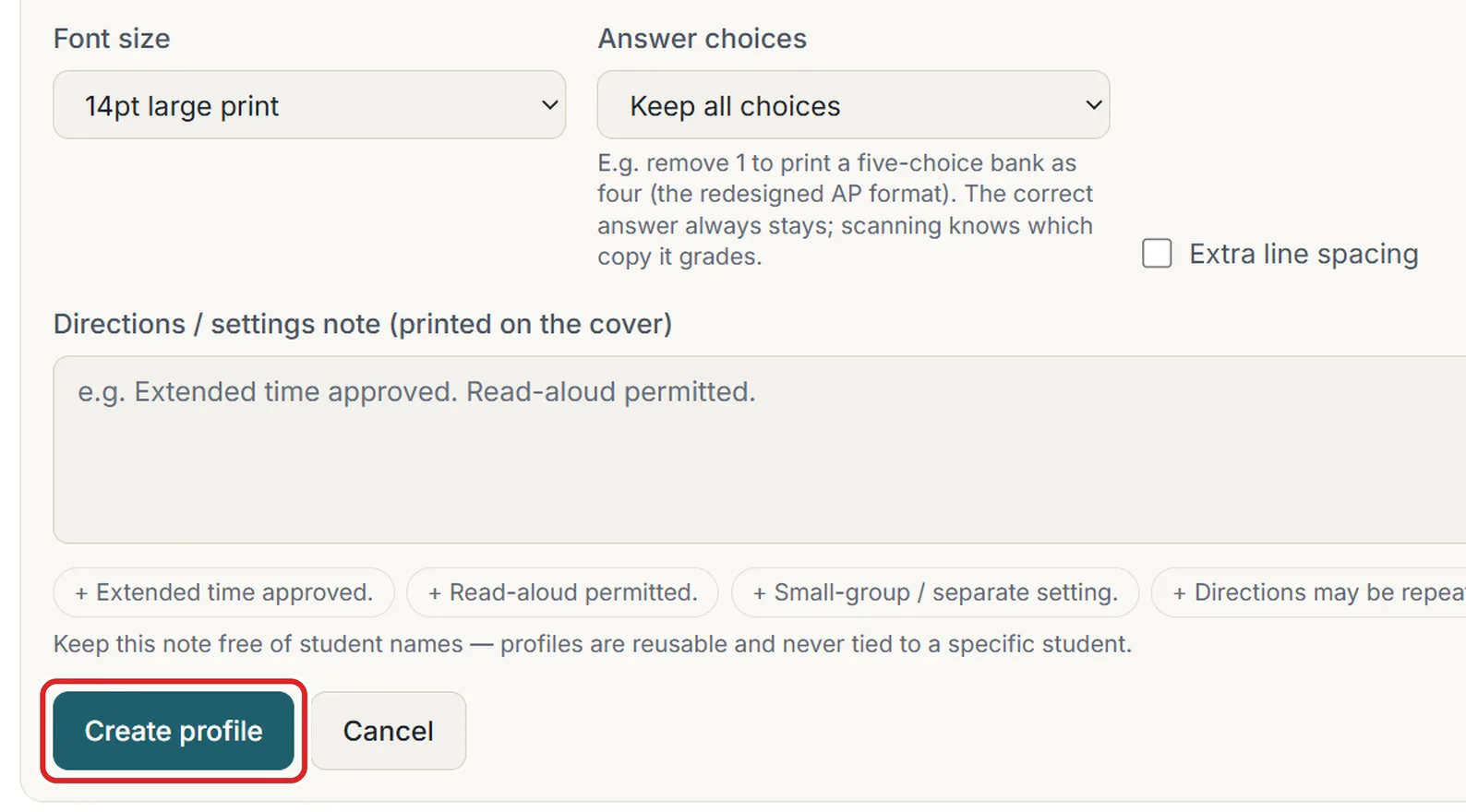
Click “New profile” and give it a name (never a student’s). Pick a “Font size” (14, 16 or 18pt large print), “Answer choices” (keep all, or remove 1 or 2 wrong choices), “Extra line spacing”, and a note printed on the cover, such as “Extended time approved.” Click “Create profile”.
- 3
Open the test’s download page
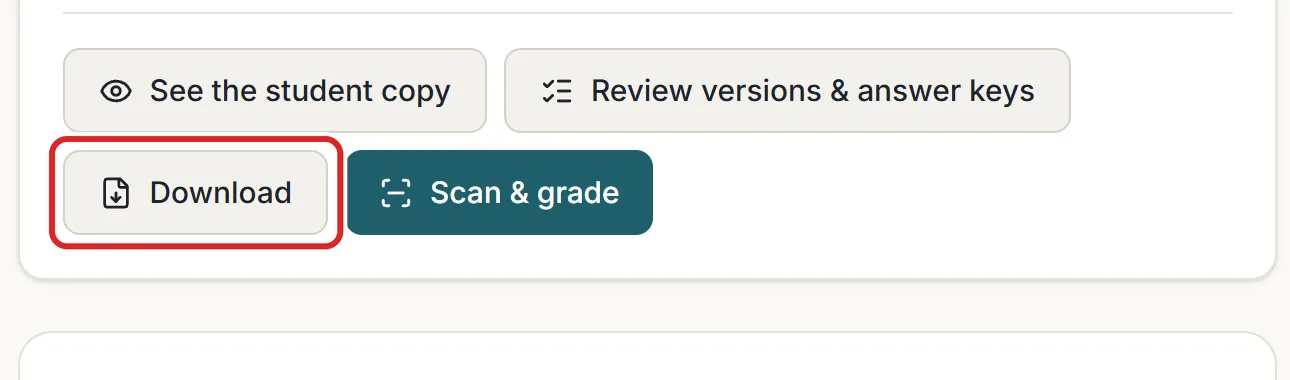
Open the test in the Full workspace (from the test in Compose: “More options”, then “Open in Full workspace”) and click “Download”.
- 4
Pick the profile, then download
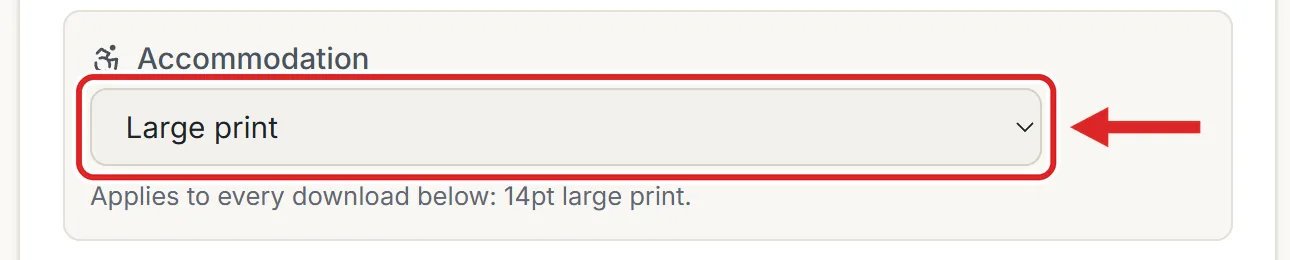
Under “Accommodation”, choose your profile. It applies to every download below it: the student versions, the answer sheets, the key and the complete packet.
New to Compose? You’ll create a free account first, then land on “Open accommodation profiles”, the screen this guide starts on.
Good to know
- Removing a choice never removes the right answer, and the key matches the shorter copy.
- Fewer-choice copies print as Version A1, B1 and so on, with their own answer sheet. Keep them out of the standard stack; scanning scores them against their own key and counts them with the class.
- Extended time is a note printed on the cover. Compose doesn’t time anything.
- Profiles hold no student names and no IEP or 504 details.
Related guides
Checked against Compose on November 5, 2026. Something here doesn't match what you see? Tell us.