Print the versions, keys and answer sheets
Download the packet as one Word file, or each part on its own, and print it. How to make a PDF, and which pages never go to students.
- 1
Open the test
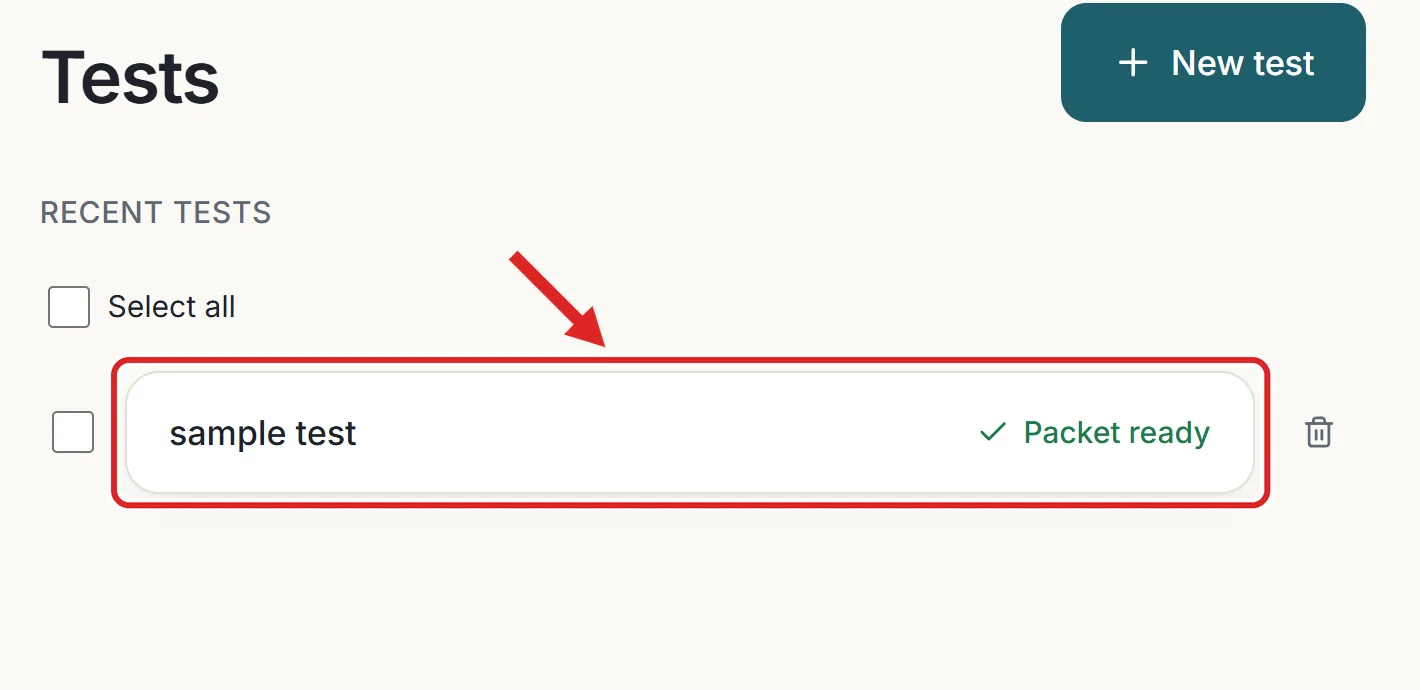
In Compose, open Tests, then the test. When the key is complete it says “Your test packet is ready.”
- 2
Download the packet
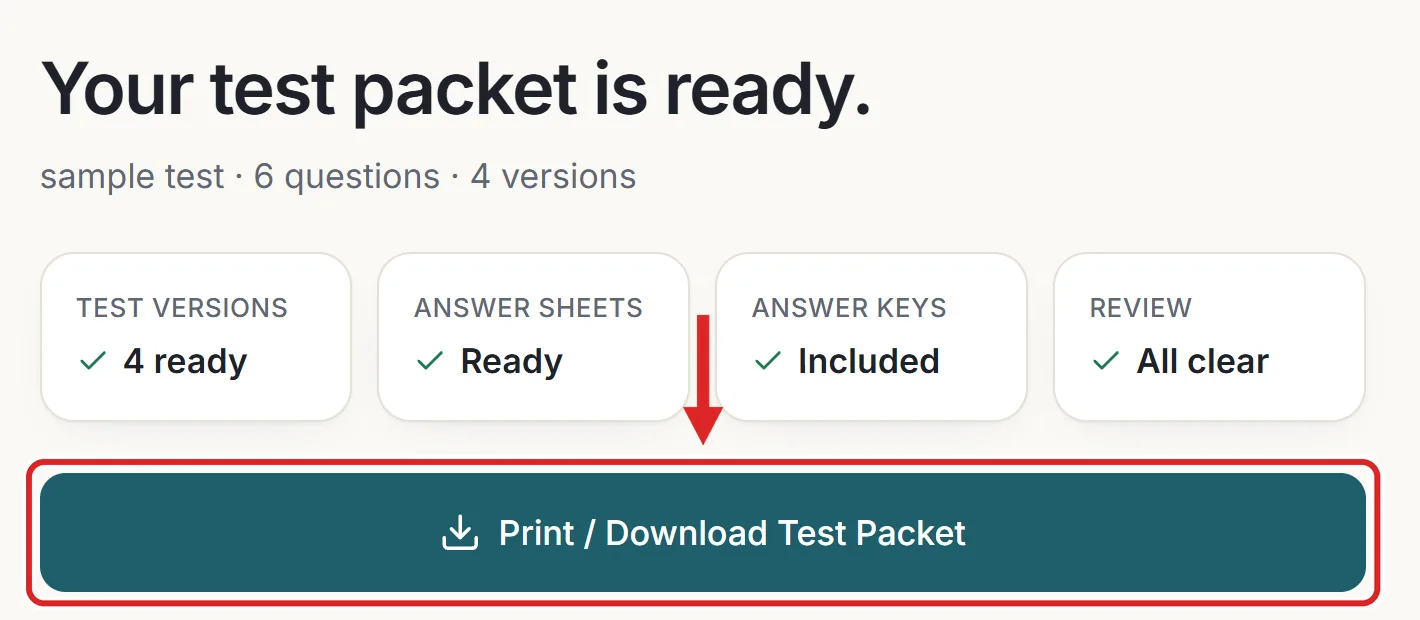
“Print / Download Test Packet” is one Word file: all four versions, an answer sheet for each version, then the keys behind a page for teachers only. Print single-sided and stop copying at that divider.
- 3
Or download the parts on their own
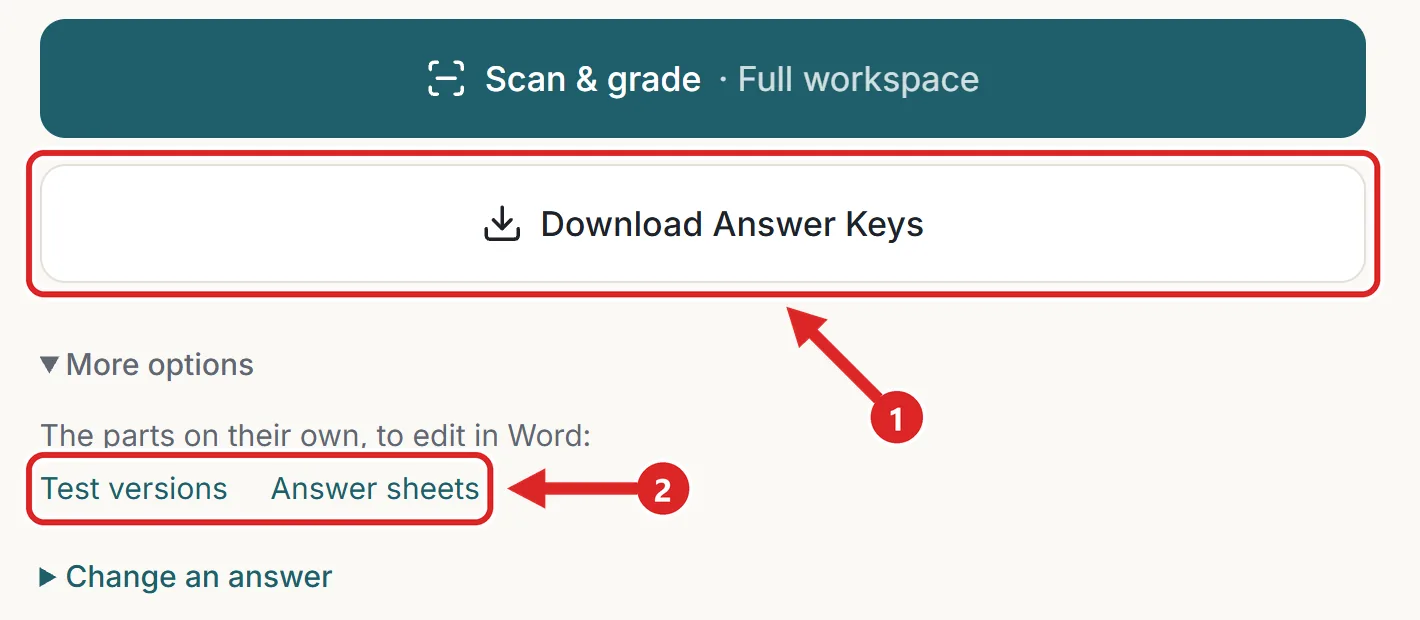
“Download Answer Keys” gives every version’s key, one column each. Under “More options”, “Test versions” and “Answer sheets” are the student papers alone, with no answers anywhere in either file.
- 4
Print from Word
Open the file in Word and print. To make a PDF, use Save As in Word and choose PDF.
- 5
Hand them out
Pass versions out so no two neighbours share one, and give each student the answer sheet with the same version letter as their test. Give each student their own class number first, such as their row on your class list: they write it in the “Class #” box on the answer sheet instead of their name.
New to Compose? You’ll create a free account first, then land on “Open your tests”, the screen this guide starts on.
Good to know
- Downloads are Word files; there is no PDF download yet.
- For a PDF of the student copies straight from your browser, open the test in the Full workspace (“More options”, then “Open in Full workspace”), click “See the student copy”, then “Print all 4 versions”, and choose Save as PDF in the print dialog. The answer key is not on it.
- Found a typo after downloading? In the Full workspace, fix the question on the test’s review page. The fix lands on every version; download again.
- The class number is each student’s own number. It is not the class period, a name or a school ID, and two students who write the same number can’t be told apart in the scores. The short “Initials” line next to the “Class #” box is for you, so you can tell whose sheet is whose: Compose does not read or save it.
- Another teacher gives the same test? Further down the test page, “Give this test to a colleague” has “Make a link to this test”. Send the link yourself; Compose sends nothing. Whoever opens it gets their own copy of the questions and answers in their own free account and makes their own versions there. They never see your test, your other questions or your students’ results, and nothing they change reaches you.
- A colleague gets the questions as they are in your account on the day they open the link. A copy already taken never changes.
- If the colleague is new to Compose they also get a free month of Pro, and you get one when they make their first test.
- “Turn this link off” stops the link for anyone who has not taken a copy yet. Teachers who already took a copy keep theirs. A link that is off cannot be turned back on, but you can make a new one.
Related guides
Checked against Compose on November 20, 2026. Something here doesn't match what you see? Tell us.